What is a mixture?
Sweet tea, seawater, air, and granite are all mixtures. Each one contains several substances, but those substances have not formed chemical bonds with each other. You can recognize a mixture by three features:
- No new substance forms. The substances are only mixed.
- The proportions can vary freely. You can put a little or a lot of sugar in your tea.
- Each substance keeps its properties. Sweet tea still tastes like sugar.
Homogeneous and heterogeneous mixtures
| Type | Feature | Examples |
|---|---|---|
| Homogeneous | All parts are the same, and you cannot see the separate substances | Sweet tea, salt water, air, steel |
| Heterogeneous | You can see the separate parts | Sand and water, oil and water, salad, granite |
A solution is a homogeneous mixture.
How is a mixture different from a compound?
If you mix iron filings and sulfur powder, you get a mixture. When you bring a magnet close, the iron is attracted and the sulfur stays behind. When this mixture is heated in a lab, a reaction takes place and iron sulfide, FeS, forms. A magnet cannot separate this new substance into iron and sulfur.
| Feature | Mixture | Compound |
|---|---|---|
| How it forms | By mixing | By a chemical reaction |
| Proportions | Can vary freely | Fixed |
| Properties | Each substance keeps its properties | New properties |
| How to separate it | By physical methods | By a chemical reaction |
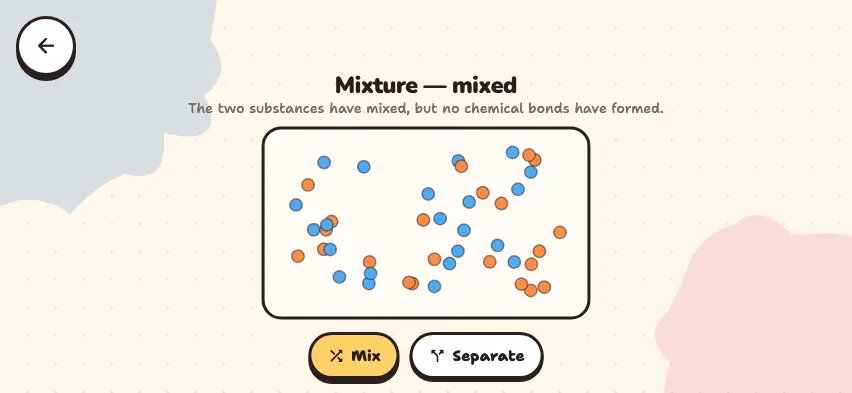
Mix and separate substances in the Nalukh chem app
Use two buttons to mix and separate the particles and compare the results. This simulator unlocks with full access. The app is free to download, and 2 units and 5 simulators are open without signing up.
How do you use the simulator?
- When the simulator opens, blue and orange particles are mixed together in the container.
- Press the Separate button. The blue particles gather on the left, and the orange particles gather on the right.
- Press the Mix button. Through random motion, the particles slowly mix again.
- Read the description under the title. When the particles are mixed, it says that no chemical bond has formed. When they are separated, it says that a mixture can be separated by physical methods.
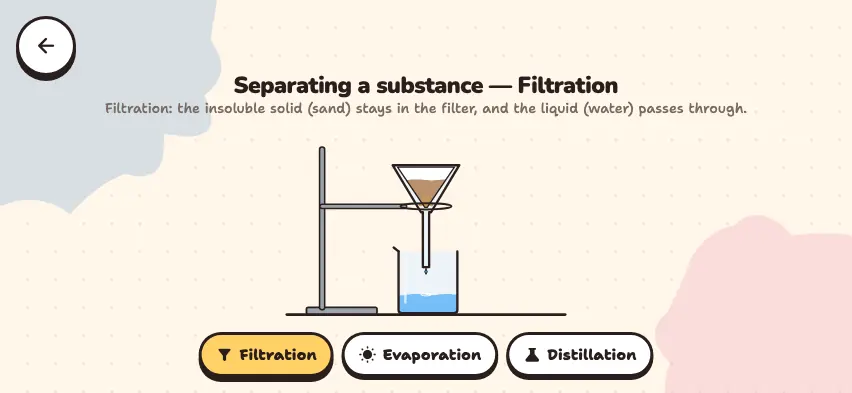
The two colors of particles are a model of two different substances. The Separate button does not show a particular method. It shows the result after separation. For real separation methods, see the guide to filtration, evaporation, and distillation.
Tasks to try in the simulator
- Press the Mix and Separate buttons several times and watch the colors of the particles. Does a third color appear? Answer: No. There are still two colors, so no new substance forms.
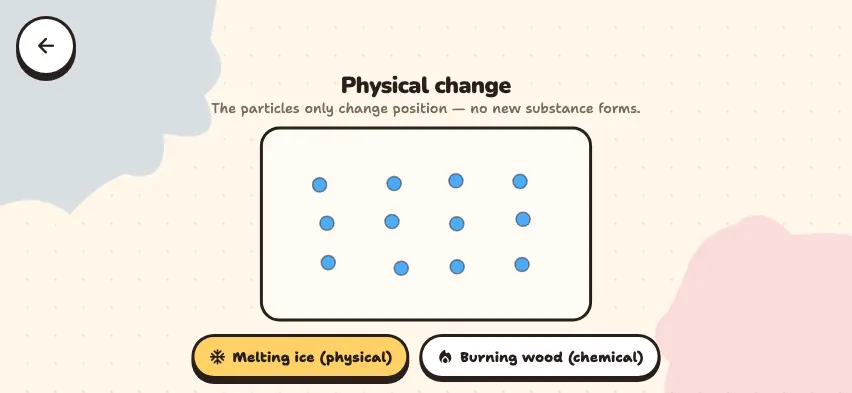
- Compare this with the chemical mode of the Physical and chemical phenomena simulator. What is the difference? Answer: There, two particles join and form a new green particle. Here, that does not happen.
- After you press the Mix button, do the particles mix right away? Answer: No, they mix slowly through random motion. This is similar to diffusion.
Common mistakes about mixtures
- Water is not a mixture. In an H2O molecule, hydrogen and oxygen are joined by chemical bonds, so water is a compound.
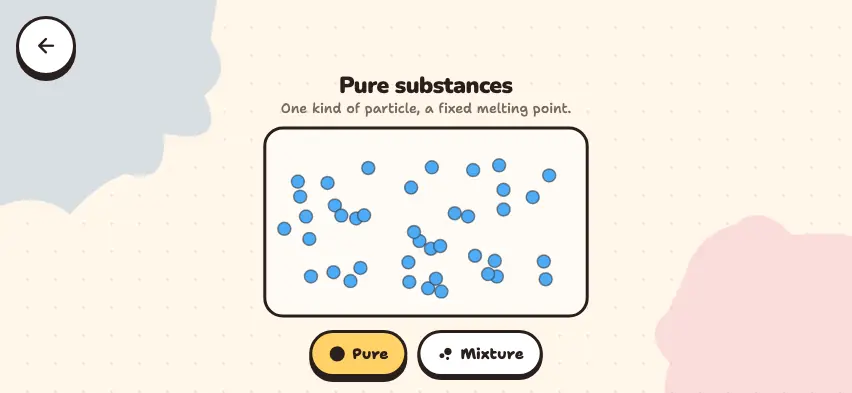
- Air is not a pure substance. Air is a mixture of nitrogen, oxygen, and other gases.
- Looking even does not mean pure. Sweet tea looks even, but it is a mixture. See the difference in the guide to pure substances and mixtures.