What is diffusion?
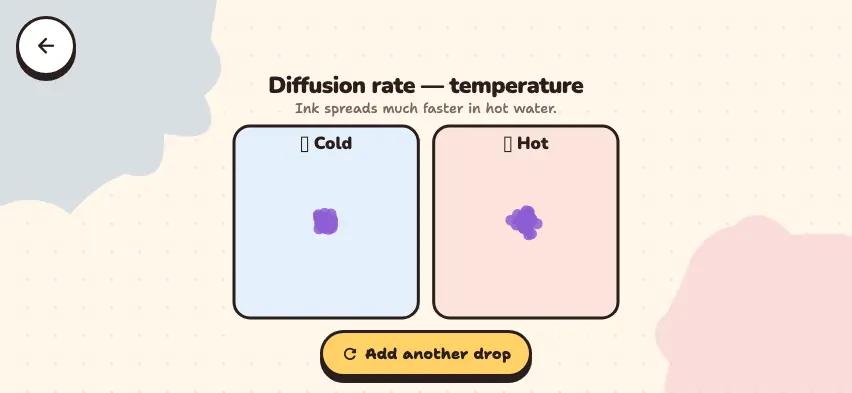
Diffusion is the process in which the particles of a substance spread out on their own. When food cooks in the kitchen, the smell reaches the next room. A drop of ink in water slowly spreads, even without stirring, until all the water has color. In both cases, nothing pushes the substance. The spreading comes from the motion of the particles themselves.
| Example | What spreads | Where it spreads |
|---|---|---|
| A food smell reaching another room | Odor particles | Air |
| Spraying perfume | Perfume particles | Air |
| Color coming out of a tea bag | Colored substances in tea | Water |
| Dropping ink into water | Ink particles | Water |
| Oxygen moving from the lungs into the blood | O2 molecules | Air in the lungs and blood |
Why do particles spread?
Particles in liquids and gases never stop moving, and they collide with each other. Their motion is random, so a particle does not head in any particular direction. But an area with a lot of dye has many particles, so more particles leave that area than enter it. As a result, the substance moves overall from the area of high concentration to the area of low concentration.
When the concentration is the same everywhere, the particles do not stop. They keep moving. But they do not gather in any one area, so the color stays even.
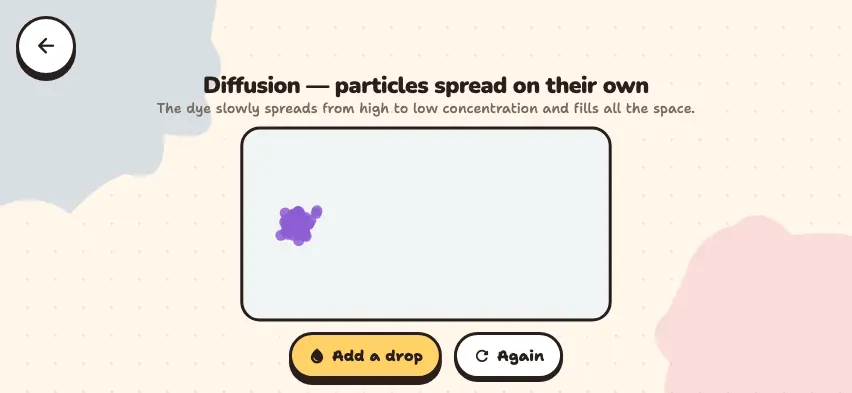
Watch a drop of dye spread in the Nalukh chem app
Add dye to water and watch the particles spread on their own. This simulator unlocks with full access. The app is free to download, and 2 units and 5 simulators are open without signing up.
How do you use the simulator?
- When the simulator opens, you see a cluster of purple dye on the left side of the water container.
- Watch without pressing anything. Through random motion alone, the particles slowly spread and reach the right side of the container. The spreading is slow, so wait for a while.
- Press the Add a drop button to add the same amount of dye on the left side. A new cluster forms.
- The Again button clears the container completely. Then press Add a drop to start a new experiment.
Tasks to try in the simulator
- Press Again and Add a drop, then start a timer. Note how many seconds the dye takes to reach the middle of the container. Repeat and compare your two results. Answer: The times can differ, because the motion of each particle is random.
- After the dye has filled the container, follow one particle with your eyes. Has it stopped? Answer: No, it keeps moving.
- Press the Add a drop button when the dye has already spread through the container. What happens on the left side? Answer: The concentration rises again, and the dye starts spreading from there to areas with less dye.
What is diffusion confused with?
- Stirring. When you stir tea with a spoon, an outside force moves the liquid. This speeds up mixing, but it is not diffusion.
- Evaporation. Evaporation is a phase change from liquid to gas. In diffusion, a substance spreads without changing state.
- The idea that particles "head for empty space." Particles do not choose a direction. Spreading is the result of the random motion of many particles.
See what makes diffusion faster or slower in the rate of diffusion guide. You can watch two gases mix in the Diffusion simulator.