pH chart of everyday liquids
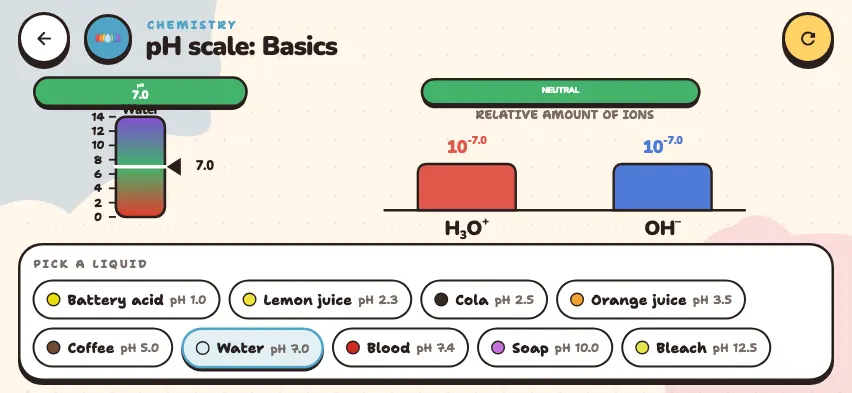
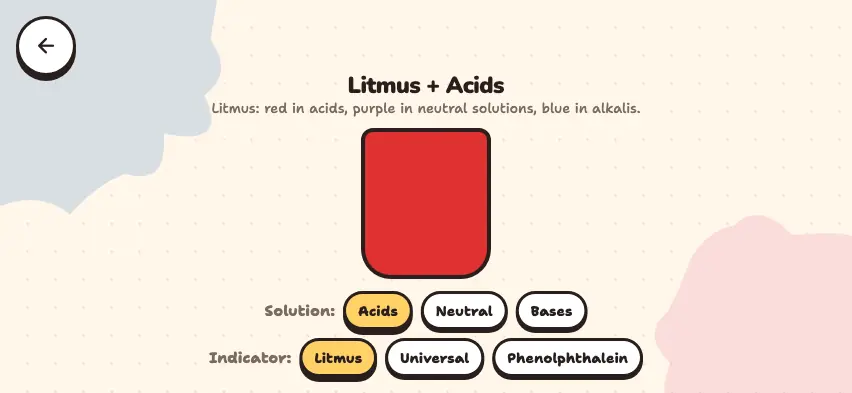
A liquid with a pH below 7 is acidic, a pH of 7 is neutral, and a pH above 7 is basic (alkaline). The 12 liquids in the simulator:
| Liquid | pH | Type |
|---|---|---|
| Battery acid | 1.0 | acidic |
| Lemon juice | 2.3 | acidic |
| Carbonated drink (soda) | 2.5 | acidic |
| Orange juice | 3.5 | acidic |
| Coffee | 5.0 | acidic |
| Chicken soup | 5.8 | acidic |
| Milk | 6.5 | weakly acidic |
| Water | 7.0 | neutral |
| Saliva | 7.4 | weakly basic |
| Blood | 7.4 | weakly basic |
| Hand soap | 10.0 | basic |
| Drain cleaner | 13.0 | basic |
The pH of a real product can differ depending on its ingredients. For the definition of pH, read What is pH?
Why does adding water move pH toward 7?
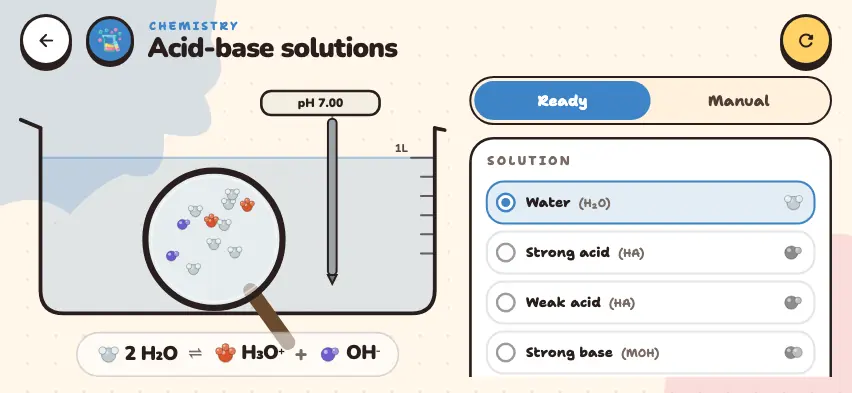
When you add water, the concentration of H3O+ or OH− ions decreases. The pH scale is logarithmic, so a change of 1 pH unit means the ion concentration changes by a factor of 10.
| Dilution | Strong acid | Strong base |
|---|---|---|
| Starting solution | pH 1 | pH 13 |
| 10-fold | pH 2 | pH 12 |
| 100-fold | pH 3 | pH 11 |
| 1000-fold | pH 4 | pH 10 |
No matter how much water you add to an acidic solution, it does not become basic. The pH gets closer to 7 but does not pass it, because water itself is neutral.
The simulator calculates every liquid directly from its ion concentration. Lemon juice and coffee contain weak acids, so in reality a 10-fold dilution changes their pH by less than 1 unit.
Measure the pH of liquids in the Nalukh chem app
Measure twelve liquids and dilute them with water. This simulator is included with full access. Downloading is free, and 2 units and 5 simulators are open without signing up.
How do you use the simulator?
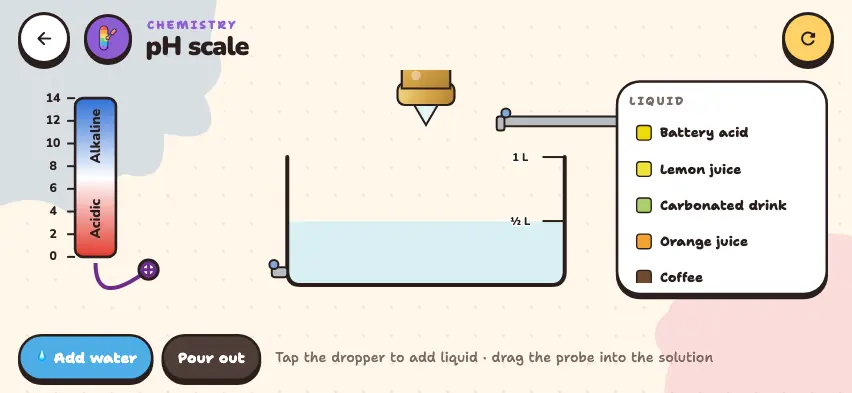
- Choose a liquid from the list on the LIQUID panel. The list scrolls. The beaker fills with ½ L of liquid.
- Drag the probe below the scale and dip it into the solution. A pointer appears on the scale and shows the pH as a number. The top of the scale is Alkaline, and the bottom is Acidic.
- Water is added while you hold down the 💧 Add water button. It stops at 1 L.
- Solution pours out while you hold down the Pour out button. The pH does not change.
- Press the dropper above the beaker to add more of the selected liquid. The pH moves back toward that liquid's value.
- The circular arrow button in the top right corner returns to water.
Tasks to try in the simulator
- Choose battery acid and use the Pour out button to lower the solution to the minimum level. Then add water up to ½ L. Answer: 0.05 L of solution becomes 0.5 L, a 10-fold dilution, so the pH goes from 1.0 to 2.0.
- Repeat the same steps with drain cleaner. Answer: The pH goes from 13.0 to 12.0.
- Try to raise the pH of coffee above 7 by diluting it. Answer: You cannot. If you pour out to the minimum level and add water up to 1 L, the pH becomes 6.3. If you repeat this, the pH gets closer to 7 but does not go above it.
- Dilute lemon juice, then press the dropper. Answer: The pH goes back down, because you are adding acidic liquid.