What is pH?
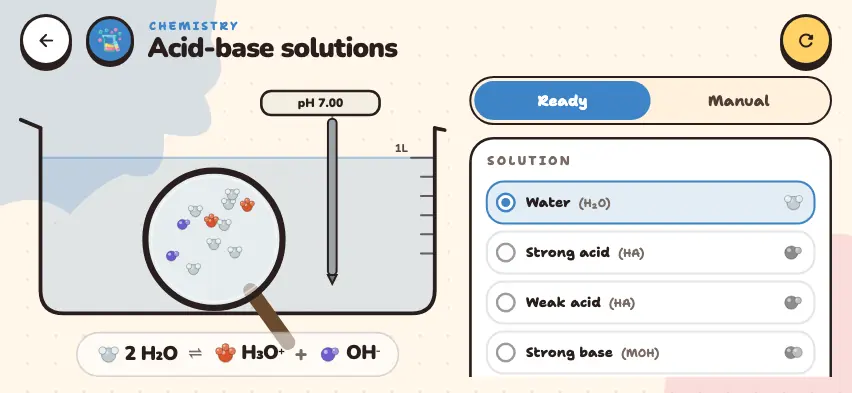
An aqueous solution contains two ions: H3O+ and OH−. If there are more H3O+ ions, the solution is acidic. If there are more OH− ions, it is basic. If the two are equal, it is neutral.
pH expresses the concentration of H3O+ ions as a simple number: pH = −log c, where c is the concentration of H3O+ ions in mol/L. For example, if c = 10⁻³ mol/L, then pH = 3.
At 25°C, the product of the two ion concentrations is always 10⁻¹⁴. So when one concentration is multiplied by 10, the other is divided by 10.
| Liquid | pH | H3O+, mol/L | OH−, mol/L | Solution |
|---|---|---|---|---|
| Battery acid | 1.0 | 10⁻¹ | 10⁻¹³ | acidic |
| Coffee | 5.0 | 10⁻⁵ | 10⁻⁹ | acidic |
| Water | 7.0 | 10⁻⁷ | 10⁻⁷ | neutral |
| Soap | 10.0 | 10⁻¹⁰ | 10⁻⁴ | basic |
What does 1 pH unit mean?
The pH scale is a logarithmic scale. When the pH drops by 1 unit, the H3O+ concentration is multiplied by 10. So coffee at pH 5.0 has 100 times as many H3O+ ions as water, and battery acid at pH 1.0 has a million times as many.
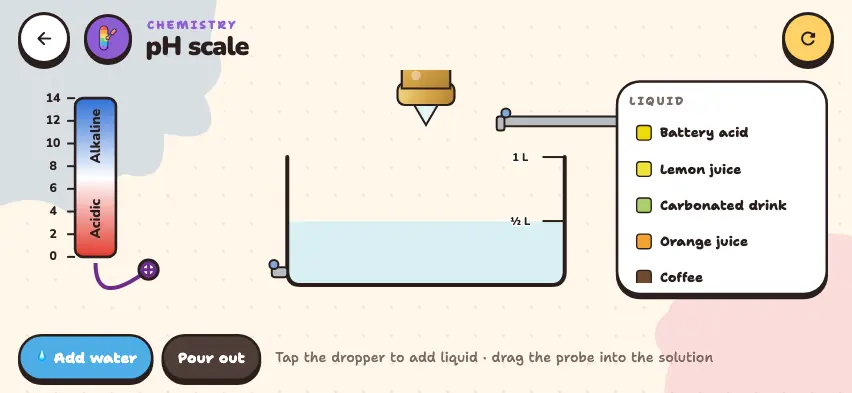
For a full table of everyday liquids and how pH changes when you add water, read the pH scale article.
How do you measure pH?
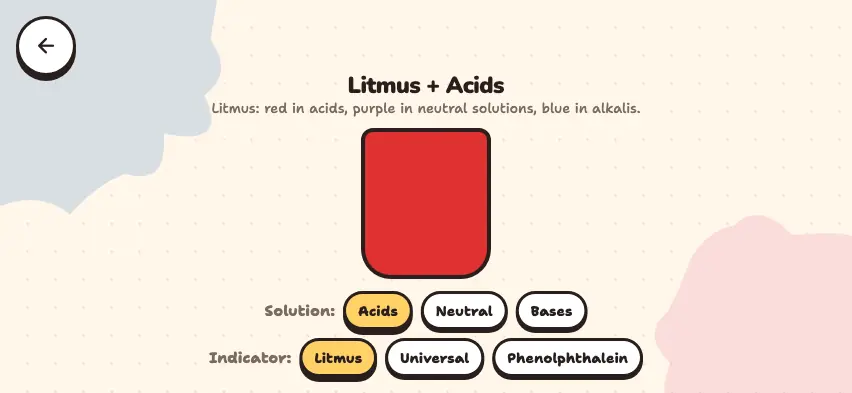
A pH meter gives the pH of a solution as a number. Universal indicator shows it by color: red in an acid, green in a neutral solution, and blue or purple in a basic solution. The scale in the simulator also changes from red to green to purple.
Compare pH values in the Nalukh chem app
Compare the pH and ion bars of nine liquids. This simulator is included with full access. Downloading is free, and 2 units and 5 simulators are open without signing up.
How do you use the simulator?
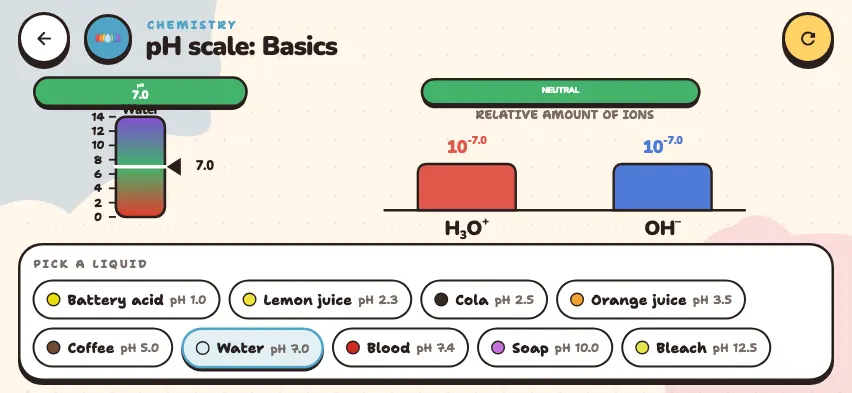
- In the PICK A LIQUID section of the bottom panel, tap a liquid. Each button shows a name and a pH. Water is selected at the start.
- Read the pH number on the card on the left.
- See where the pointer stops on the vertical color scale.
- Read the category on the label at the top: ACID, NEUTRAL, or BASE.
- Compare the two bars in the RELATIVE AMOUNT OF IONS section. The concentration is written above each bar as a power of 10. The bars use a logarithmic scale, so a slightly taller bar can mean a concentration that is many times higher.
- The round arrow button in the upper-right corner returns to water.
Tasks to try in the simulator
- Select coffee and water, and compare the powers above the H3O+ bars. How many times larger is one than the other? Answer: 10 to the power of −5 and −7, so 100 times.
- Select blood. What category appears? Answer: pH 7.4, BASE. Blood is slightly basic.
- Select bleach and add the powers of the two bars. Repeat with another liquid. Answer: −12.5 and −1.5, which add up to −14. The sum is −14 for every liquid.