Types of chemical reactions
Reactions are divided into four main types by how many substances take part and what forms.
| Type | Pattern | Example in the simulator |
|---|---|---|
| Synthesis (combination) | A + B → AB | CaO + H2O = Ca(OH)2 |
| Decomposition | AB → A + B | CaCO3 = CaO + CO2↑ |
| Single replacement (single displacement) | A + BC → AC + B | Mg + 2HCl = MgCl2 + H2↑ |
| Double replacement (double displacement) | AB + CD → AD + CB | BaCl2 + Na2SO4 = BaSO4↓ + 2NaCl |
Acid-base neutralization is a form of double replacement reaction. The simulator lists combustion and neutralization reactions under their own names.
How can you tell that a reaction happened?
- Gas: bubbles appear. When zinc reacts with hydrochloric acid, H2 is released.
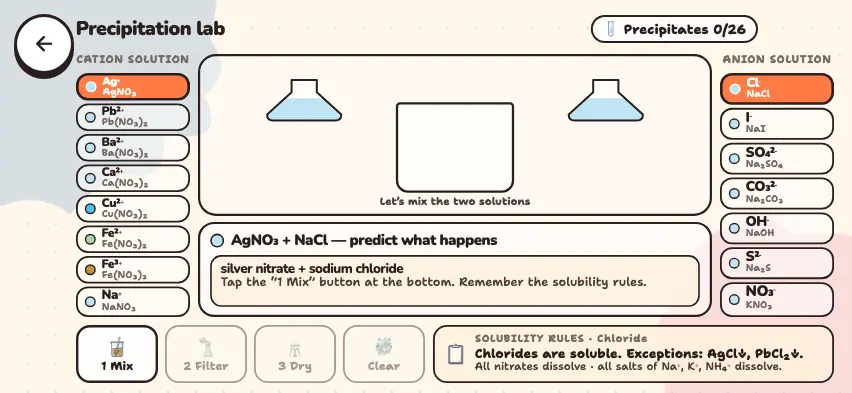
- Precipitate: an insoluble substance settles to the bottom, for example blue Cu(OH)2.
- Heat: exothermic reactions release heat, and endothermic reactions absorb it.
- Light: magnesium gives off white light when it combines with oxygen.
- Color: when chlorine is mixed with KBr solution, bromine is released and the solution turns reddish-brown.
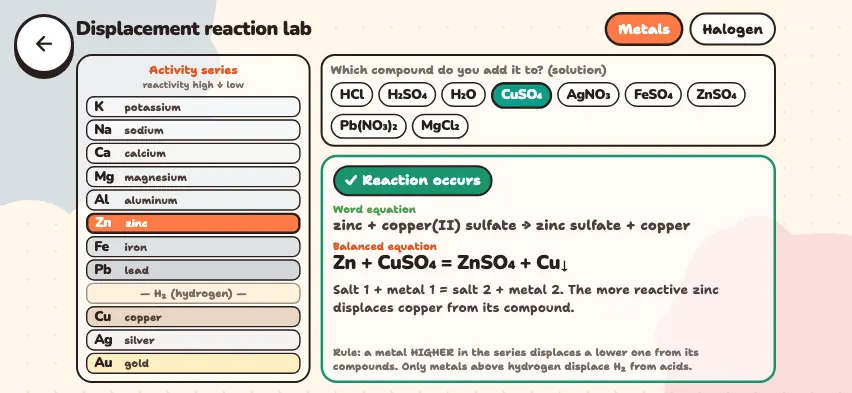
A double replacement reaction in solution goes to completion when a precipitate, a gas, or water forms. The activity series tells you whether a single replacement reaction will happen. The simulator uses this series:
K, Na, Ca, Mg, Al, Zn, Fe, Pb, (H), Cu, Ag, Au
Metals that come before hydrogen release hydrogen from acids. Concentrated nitric acid is an exception: it reacts with copper and releases NO2, not hydrogen. A more active metal displaces a less active metal from a solution of its salt: Fe + CuSO4 = FeSO4 + Cu↓.
Test reactions in the Nalukh chem app
This simulator unlocks with full access. The app is free to download, and 2 units and 5 simulators are open without signing up.
How do you use the simulator?
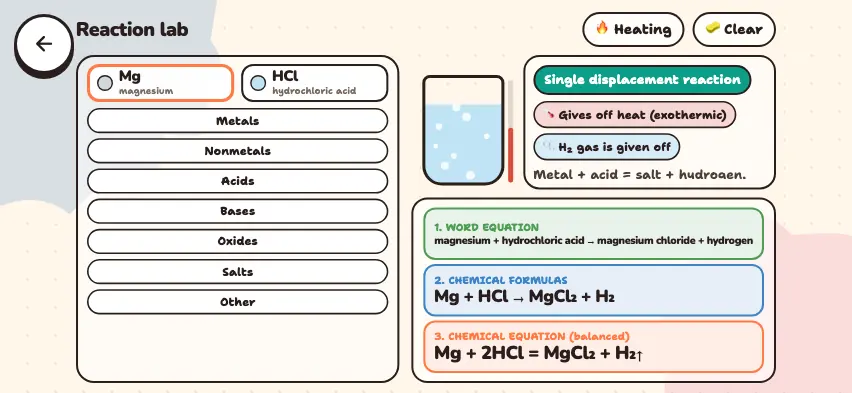
When the simulator opens, magnesium and hydrochloric acid are selected.
- The two slots at the upper left show the selected substances. Press a slot, and the next substance you choose goes into that slot.
- Choose a group from the seven tabs, such as Metals, Acids, and Salts, then press the formula of a substance.
- As soon as two substances are selected, you see a flask, the reaction type, labels for the signs, and an explanation.
- Read the three lines at the bottom: 1. WORD EQUATION, 2. CHEMICAL FORMULAS, and 3. CHEMICAL EQUATION (balanced).
- Press the Heating button, and only one slot remains. Choose a substance to see whether it decomposes. Press the button again to go back to two-substance mode.
- The Clear button clears both slots.
Tasks to try in the simulator
- Mix hydrochloric acid first with zinc and then with copper. Answer: Zinc releases H2, and copper shows No reaction. Copper comes after hydrogen in the activity series.
- Mix NaOH and CuSO4, then Pb(NO3)2 and KI. Answer: A blue Cu(OH)2 precipitate forms, then a bright yellow PbI2 precipitate.
- In Heating mode, compare CaCO3 and Na2CO3. Answer: Calcium carbonate decomposes into CaO and CO2, and sodium carbonate does not decompose.
- Mix Cl2 and KBr, then Br2 and KCl. Answer: Chlorine displaces bromine, but bromine cannot displace chlorine.
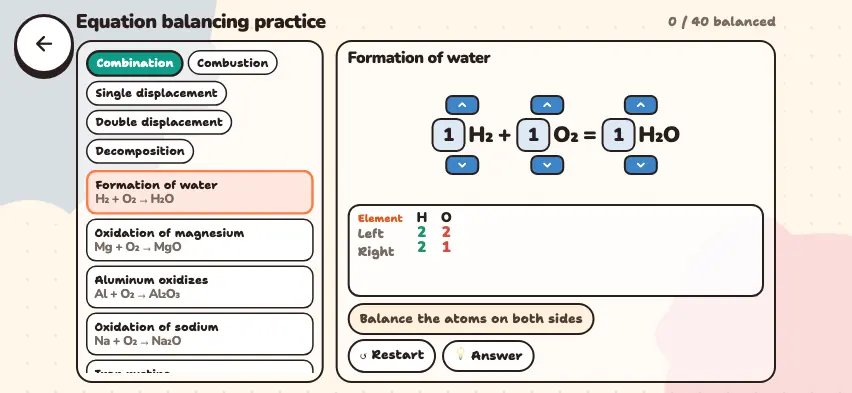
To learn to balance equations yourself, see the balancing equations practice guide.
Simulator rules and real conditions
The simulator follows the basic rules of school chemistry, so it does not account for every condition. A pair that shows No reaction may react under other conditions. If you are unsure, check your textbook.