What is titration?
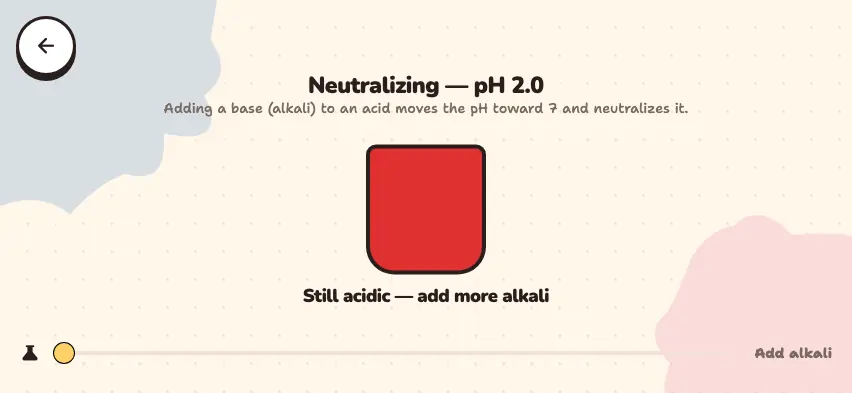
Titration is a method for finding an unknown concentration. You add a solution of known concentration drop by drop to the other solution, and an indicator shows the moment the reaction finishes. The moment the indicator changes color is called the end point.
| Equipment | Purpose |
|---|---|
| Burette | adds the solution of known concentration drop by drop and shows the volume used |
| Pipette | measures an exact volume of the unknown solution |
| Erlenmeyer flask | lets you swirl the solution without spilling it |
| Indicator | changes color when the reaction finishes |
How do you calculate the concentration?
At the end point, the moles of H+ and OH− ions are equal. For an acid and a base such as HCl and NaOH, which give one H+ and one OH−, use the formula c₁V₁ = c₂V₂. Here c is concentration and V is volume.
Example: Neutralizing 25.0 mL of hydrochloric acid used 20.0 mL of 0.100 mol/L NaOH solution. Find the concentration of the acid.
- Moles of NaOH: 0.100 × 0.0200 = 0.00200 mol.
- Since HCl + NaOH → NaCl + H2O, the moles of HCl are also 0.00200.
- Concentration: 0.00200 ÷ 0.0250 = 0.0800 mol/L.
Sulfuric acid gives two H+, so one mole of acid uses two moles of base.
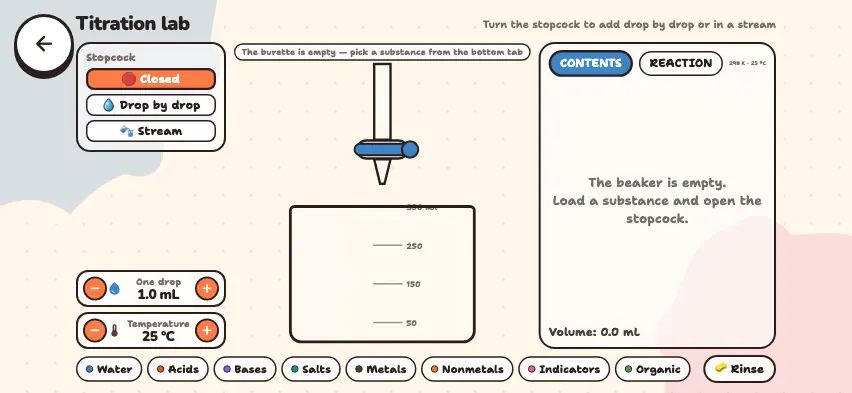
Open the burette in the Nalukh chem app
This simulator is included with full access. The app is free to download, and 2 units and 5 simulators are open with no sign-up.
How do you use the simulator?
- In the bottom row, open a category such as Acids or Bases and choose a substance. The substance goes into the burette.
- In the Stopcock panel, choose Drop by drop or Stream. To stop, press Closed. You can also tap the stopcock in the picture to change it.
- Use the One drop field to set the drop size from 0.5 to 5 mL. The Temperature field changes the temperature of the beaker.
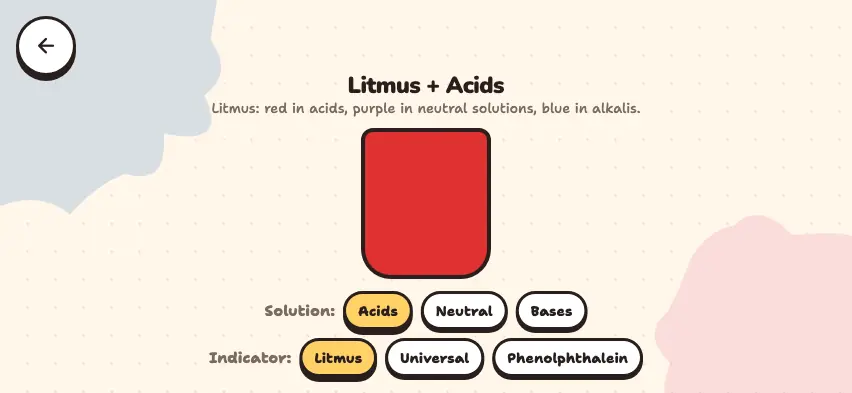
- Choose an indicator from the Indicators category. It goes straight into the beaker, and the color of the solution shows the medium: acidic, neutral, or alkaline.
- On the CONTENTS tab, read the moles and the dissolved amount of each substance. The bottom row shows the volume and the medium.
- On the REACTION tab, read the balanced equation.
- The 🧽 Rinse button empties the beaker. When the beaker reaches 350 mL, the stopcock closes by itself.
In the simulator, you do not choose a solution's concentration: it treats 1 mL of a substance as 1 g and converts that to moles. So you compare the moles of acid and base instead of concentrations.
Tasks to try in the simulator
- End point. Pour HCl into the beaker with Stream, then close the stopcock. Choose phenolphthalein from the Indicators category. Load NaOH into the burette. Add it in a stream until the moles of the two substances get close, then add it Drop by drop. Answer: When the moles of NaOH exceed the moles of HCl by more than 0.05, the medium becomes alkaline and the solution turns pink.
- Acid with two H atoms. Add NaOH to H2SO4. Answer: When the medium becomes neutral, the moles of NaOH are 2 times the moles of acid, and the equation is H2SO4 + 2NaOH = Na2SO4 + 2H2O.
- A different indicator. Replace phenolphthalein with methyl orange. Answer: It is red in an acidic medium, orange in a neutral medium, and yellow in an alkaline medium. The simulator follows the school textbook table. In reality, methyl orange turns yellow above pH 4.4, so a truly neutral solution looks yellow.
How is titration done in a school lab?
- Use a pipette to transfer the solution you are testing into an Erlenmeyer flask, and add a few drops of indicator.
- Fill the burette with the solution of known concentration and record the starting reading.
- Add the solution while you swirl the flask. When the color starts to change, add it one drop at a time.
- Stop at the end point, and subtract the starting reading from the final reading to find the volume used.