What is solubility?
Solubility is the maximum amount of a substance that can dissolve in 100 g of water at a given temperature. If you add more than that, the extra does not dissolve and stays at the bottom of the beaker. A solution that cannot dissolve any more of the substance is called a saturated solution.
The simulator shows solubility in g/L: 359 g/L is about 36 g per 100 g of water. Values at 25 °C:
| Substance | Solubility, g/L | In water |
|---|---|---|
| NaCl sodium chloride | 359 | dissolves well |
| NaHCO3 sodium bicarbonate (sodium hydrogen carbonate) | 96 | dissolves moderately |
| CaCO3 calcium carbonate | 0.013 | barely dissolves |
| Cu(OH)2 copper(II) hydroxide | 0.003 | barely dissolves |
If a substance with very low solubility forms in a reaction, it settles to the bottom as a precipitate.
The solubility of most solids increases as temperature rises, and the solubility of gases decreases. The simulator changes the solubility of every substance by one rule: 2% of its 25 °C value for each 1 °C. In real life, each substance is different. The solubility of sodium chloride depends only slightly on temperature, while that of potassium nitrate rises sharply.
Open your lab bench in the Nalukh chem app
This simulator unlocks with full access. The app is free to download, and 2 units and 5 simulators are open without signing up.
How do you use the simulator?
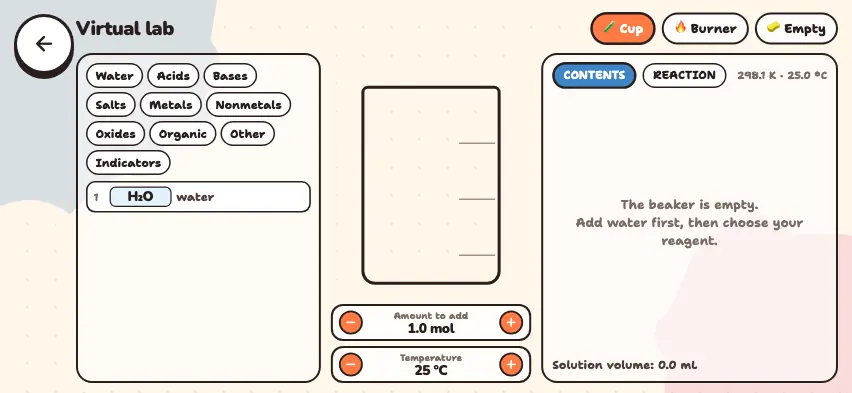
Add water to the beaker first: without water, solids do not dissolve.
- Choose the Cup mode in the top row.
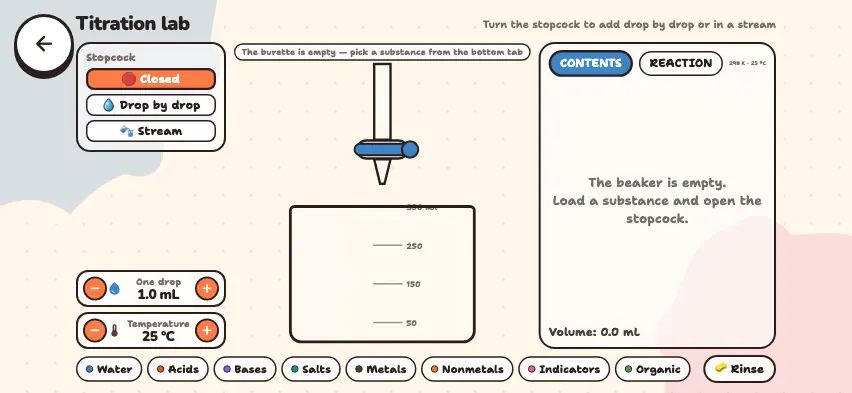
- Open a category from the tabs on the left and press a substance. Each press adds the number of moles set in the Amount to add field to the beaker (from 0.5 to 5 mol).
- Use the Temperature field to raise or lower the beaker's temperature in steps of 5 °C.
- In the CONTENTS tab, check the moles, solubility, and amount dissolved for each substance. For solids, you see the moles dissolved and the percent dissolved. Acids, most bases, and salts are added as solutions, so they dissolve completely. The bottom row shows the volume and whether the solution is acidic, neutral, or basic.
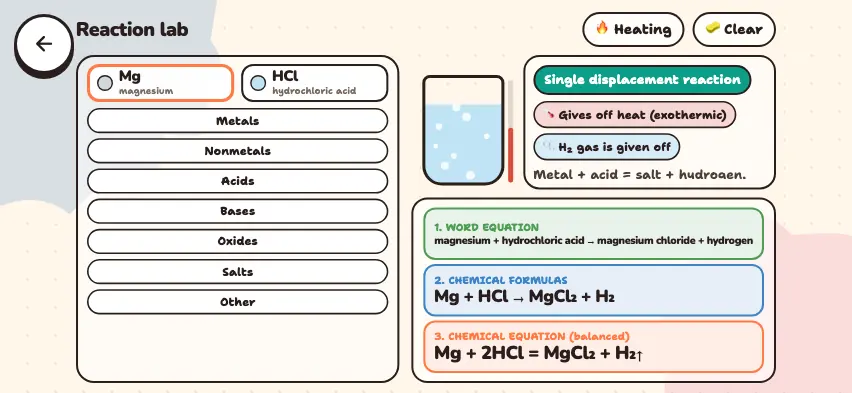
- In the REACTION tab, check the reaction type, word equation, and balanced equation.
- Choose an indicator in the Indicators tab, and the color of the solution changes according to whether it is acidic, neutral, or basic.
- In Burner mode, choose a substance and press the Light the flame button. The flame color appears in the CONTENTS tab, and the combustion or decomposition reaction appears in the REACTION tab.
- The Empty button returns the beaker, indicator, and temperature to their starting state.
Tasks to try in the simulator
Press the Empty button before each task.
- Saturated solution. Press water 5 times to add 5 mol, or 90 mL, of water. Set the Amount to add field to 0.5 mol and add sodium bicarbonate. Answer: 21% dissolves, and the rest settles to the bottom. At 50 °C, 31% dissolves.
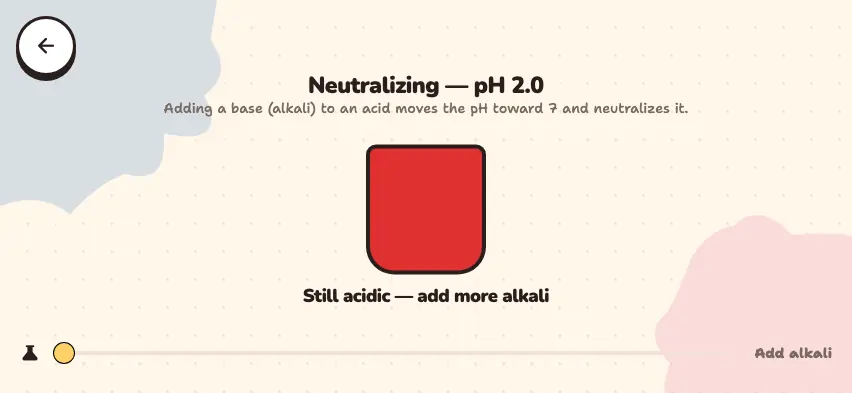
- Acids, bases, and indicators. Add 1 mol of HCl, choose phenolphthalein, and add 1 mol of NaOH. Answer: The solution is neutral and colorless, and the heat of the reaction brings the temperature to 33 °C. Add another 1 mol of NaOH, and the solution turns raspberry pink.
- Precipitate. Add 1 mol of KI to 1 mol of Pb(NO3)2. Answer: A bright yellow PbI2 precipitate settles, and you see Pb(NO3)2 + 2KI = PbI2↓ + 2KNO3.
- Decomposition reaction. In Burner mode, test CaCO3 and Na2CO3. Answer: Calcium carbonate decomposes and releases CO2, and sodium carbonate does not decompose.