How are the three states different?
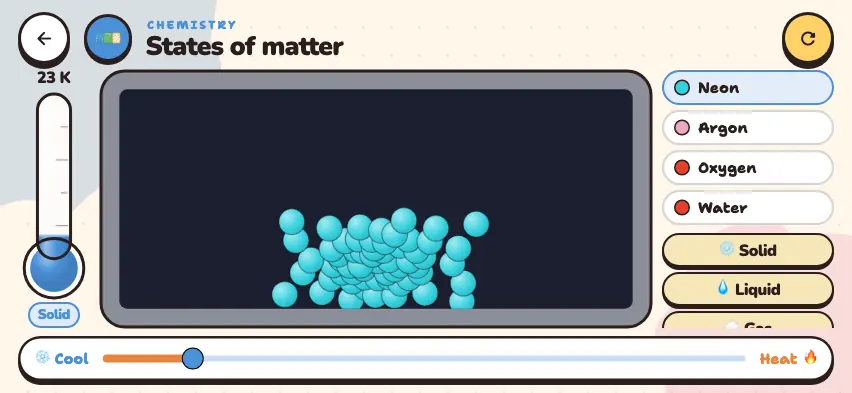
One substance can exist in all three states: ice, water, and steam are all H2O. When the state changes, the substance stays the same. Only the arrangement and motion of the particles change.
| Property | Solid | Liquid | Gas |
|---|---|---|---|
| Particle arrangement | close together, orderly | close together, disordered | far apart, disordered |
| Motion | vibrate in place | slide past each other | fast, in all directions |
| Attraction | strongest | moderate | very weak |
| Shape | keeps its own shape | takes the shape of its container | takes the shape of its container |
| Volume | fixed | fixed | fills the whole container |
| Compressibility | almost none | almost none | compresses easily |
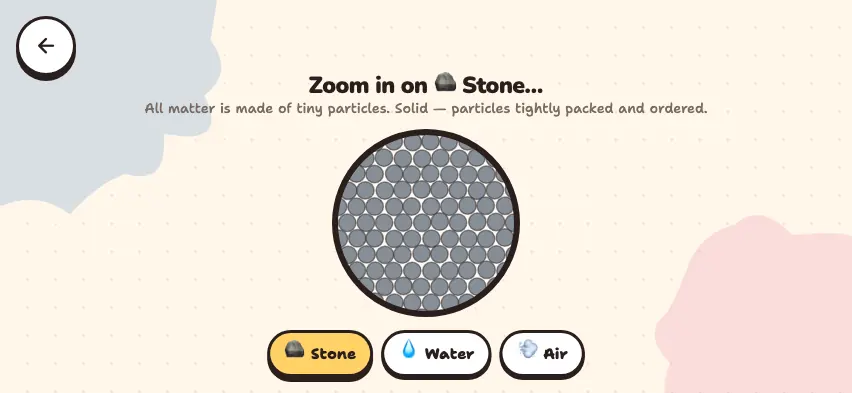
Why does a solid keep its shape? Its particles attract each other strongly and do not leave their places. Why does a liquid flow? Its particles can slide past each other. Why can a gas be compressed? There is a lot of space between its particles.
At very high temperatures, matter enters a fourth state called plasma. The Sun and lightning are examples.
Switch states with one button
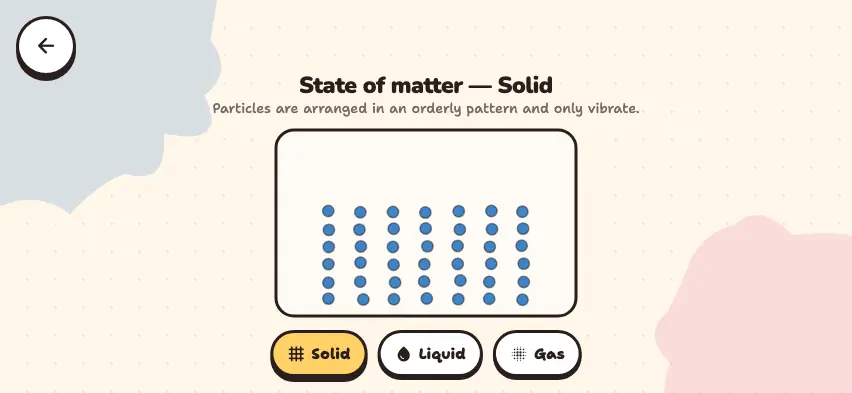
Use the solid, liquid, and gas buttons to see how the same particles change. This simulator unlocks with full access. The app is free to download, and 2 units and 5 simulators are open without signing up.
How do you use the simulator?
- Press one of the Solid, Liquid, or Gas buttons at the bottom.
- The top of the screen shows the name of the state and a short description of its particles.
- The 42 particles in the box move into the arrangement of the new state.
- Switch buttons and watch how the particles move from one state to another.
Tasks to try in the simulator
- In the Solid state, count the columns and rows of particles. Answer: There are 7 columns and 6 rows, for a total of 42 particles. This number does not change when the state changes.
- Press the Liquid button. Where do the particles go in the box? Answer: They fill the lower part across its full width, and the upper part stays empty. A liquid takes the shape of its container and keeps its volume.
- Press the Gas button. Answer: The particles fill the whole box and bounce off the walls.
- Switch directly from Gas to Solid. Answer: The particles go back into their rows. A change of state forms no new substance, and the number of particles does not change either.
Things to note about the three states
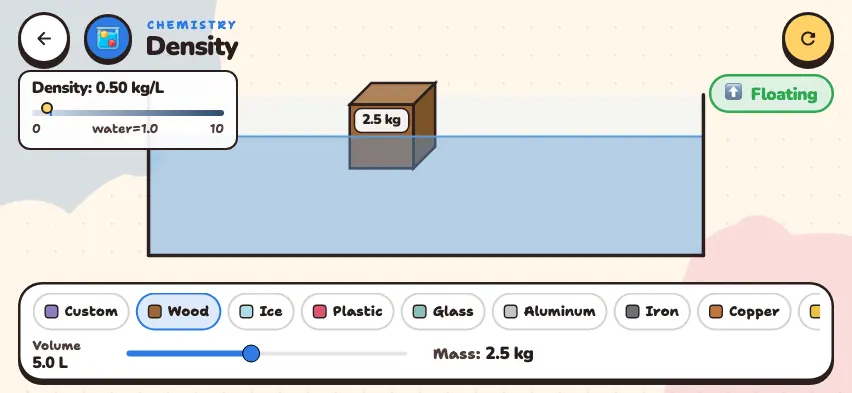
- Water is unusual. For most substances, the solid is denser than the liquid. Ice is less dense than water, so it floats on water. Learn more in the density guide.
- Gases compress, and liquids do not. If you cover the tip of a syringe with no needle and press the plunger, the air compresses. In a syringe full of water, the plunger barely moves.
- The temperature at which a substance changes state is different for each substance. Learn more in the guide to melting and boiling points.