What are the gas laws?
Three quantities describe the state of a gas: pressure P, volume V, and temperature T. When the amount of gas is constant, you hold one quantity constant and look at how the other two are related.
| Law | Constant | Formula | Example |
|---|---|---|---|
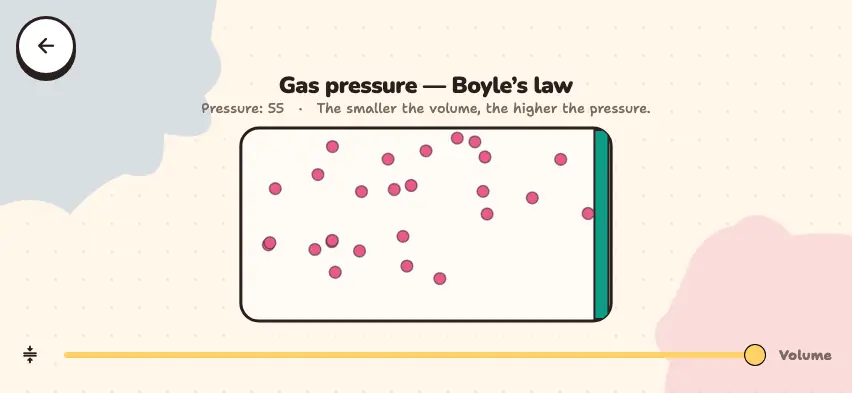
| Boyle's | T | P·V = constant | Block the tip of a syringe and push the plunger: the pressure increases |
| Gay-Lussac's | V | P/T = constant | Heat a sealed container: the pressure increases |
| Charles's | P | V/T = constant | An inflated balloon shrinks in the cold |
In problems, you compare two states of a gas: P₁V₁ = P₂V₂, P₁/T₁ = P₂/T₂, V₁/T₁ = V₂/T₂.
Example 1. At constant temperature, 2 L of gas has a pressure of 100 kPa. If the volume becomes 1 L, P₂ = 100 × 2 ÷ 1 = 200 kPa.
Example 2. In a sealed container, the pressure is 100 kPa at 27 °C. If you heat it to 327 °C, then T₁ = 300 K and T₂ = 600 K, so P₂ = 100 × 600 ÷ 300 = 200 kPa.
Check the laws on a graph
Hold one quantity constant, change another, and watch the dot move on the graph. This simulator is included with full access. Downloading is free, and 2 units and 5 simulators are open without signing up.
How do you use the simulator?
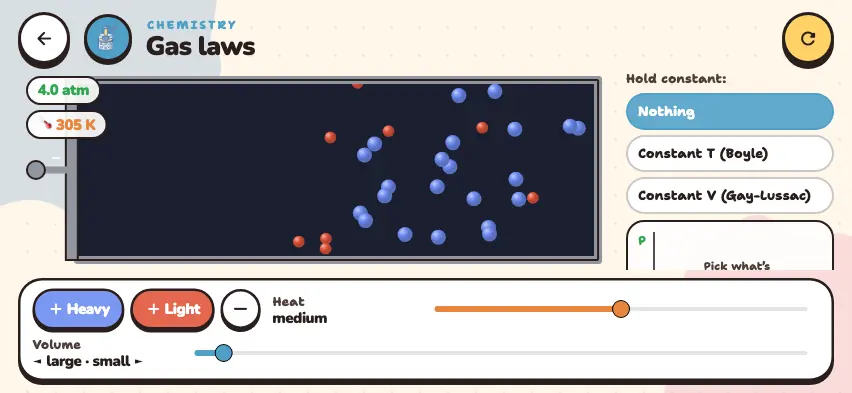
- At the start, the Nothing option is selected. Heat and volume can both change freely.
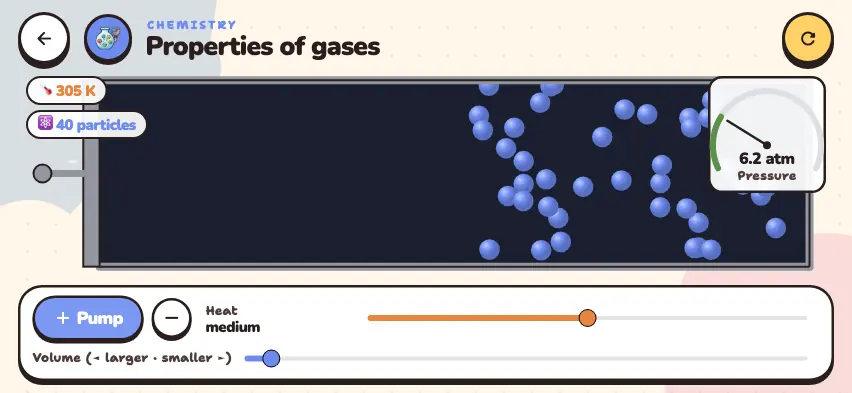
- The Heavy and Light buttons each add 6 particles. The round button with a minus sign removes 6 particles.
- Tap the Constant T (Boyle) button. The Heat slider locks. When you move the Volume slider, the green dot moves along the P–V curve.
- Tap the Constant V (Gay-Lussac) button. The Volume slider locks. When you heat the gas with the Heat slider, the dot moves along the P–T line.
- After you add particles, tap the constant button again. The curve is redrawn with the new values.
The simulator has no constant-P mode. Study Charles's law (constant P) through its formula.
Tasks to try in the simulator
- In Constant T (Boyle) mode, set the volume to the smallest value. Answer: The pressure goes from about 10 atm to about 18 atm. P·V barely changes.
- In Constant V (Gay-Lussac) mode, heat the gas from 300 K to 600 K. Answer: The pressure about doubles. The line starts at the point 0 K, 0 atm, which shows why you need kelvins.
- Watch the Heavy and Light particles. Answer: The light red particles move faster. At the same temperature, the two types of particles have the same average kinetic energy, so the temperature label does not change.
Common mistakes in gas law problems
- Solving in °C. Always convert the temperature to kelvins: T = t + 273. If you solve Example 2 in °C, you get the wrong answer that the pressure increased 12 times.
- Thinking the P–V graph is a straight line. When the volume is cut in half, the pressure doubles, so the graph is a curve. The P–T graph, however, is a straight line.
- Forgetting the amount of gas. These laws hold only when the number of particles is constant. If you add particles, P·V changes.