What is diffusion?
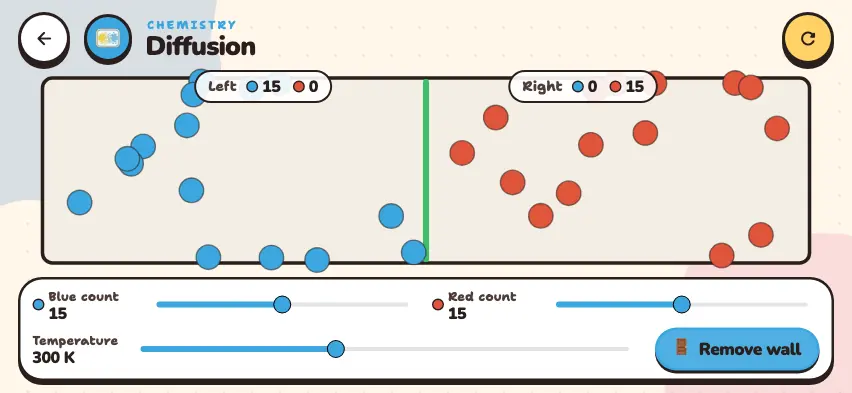
Diffusion comes from the constant, random motion of particles. When you remove the wall that divides the container, the left side has a lot of blue gas and the right side has none. So the blue particles spread to the right. The red gas does the opposite and spreads to the left. The two gases spread at the same time in opposite directions and end up evenly mixed throughout the container.
Pay attention to three things in this simulator:
- Each gas spreads on its own. Even if the amounts of blue and red gas are different, each gas divides equally between the two sides.
- Particles do not stop after the mix is even. They keep crossing from one side to the other. So the count on each side goes up and down but stays about the same.
- Temperature speeds things up. When the temperature rises, particles move faster. Their speed is proportional to the square root of the temperature: going from 150 K to 600 K multiplies the temperature by 4 and the speed by 2.
Remove the wall and mix the two gases
Set the particle counts and temperature, remove the wall, and watch the count on each side. This simulator is included with full access. Downloading is free, and 2 units and 5 simulators are open without signing up.
How do you use the simulator?
- Use the Blue count and Red count sliders to set the number of particles between 0 and 30.
- Use the Temperature slider to choose a temperature between 100 and 600 K.
- Tap the 🚪 Remove wall button. The green wall disappears, and the particles move freely to both sides.
- Read the number of blue and red particles on each side from the Left and Right labels at the top.
- The ↺ Divide again button puts the wall back and returns the particles to their original sides. Then you can run a new experiment.
Tasks to try in the simulator
- Remove the wall with the starting settings. Answer: After a few seconds, each side has an average of 7–8 blue and 7–8 red particles. The counts keep changing, but the two sides stay about the same.
- Set Blue count to 30 and Red count to 10, then remove the wall. Answer: Each side ends up with about 15 blue particles and about 5 red particles.
- Remove the wall first at 100 K and then at 600 K. Use a timer to measure how many seconds the two sides take to even out. Answer: At 600 K, the particles move about 2.4 times faster, and the mixing time gets shorter by the same factor.
How is the simulator different from a real gas?
- Collisions. In the simulator, particles bounce only off the walls, and they all have the same speed. In a real gas, particles constantly collide with each other and change direction, so diffusion is much slower.
- Divide again. This button sets up the particles again. In reality, mixed gases do not separate on their own: even if you put the wall back, both sides stay mixed.
- The room example. Removing the wall is like opening the door between two rooms. This is how perfume spreads into the next room. But in a real room, air currents also carry the scent.
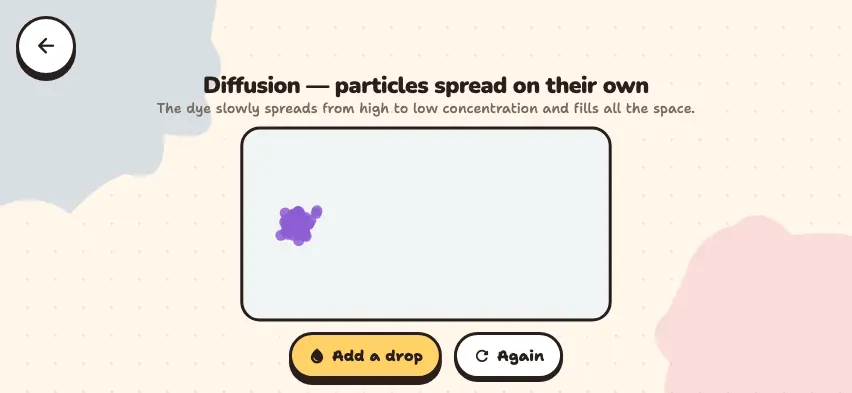
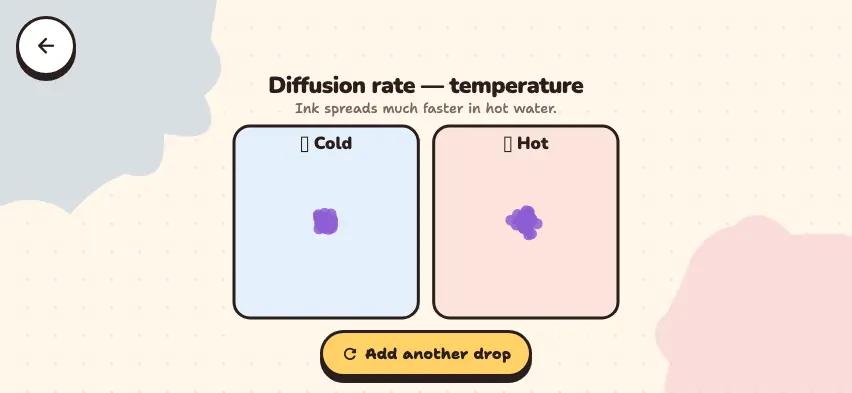
To see diffusion in a liquid, try the Diffusion — a spreading drop simulator. To see the difference between hot and cold water, try the Rate of diffusion simulator.