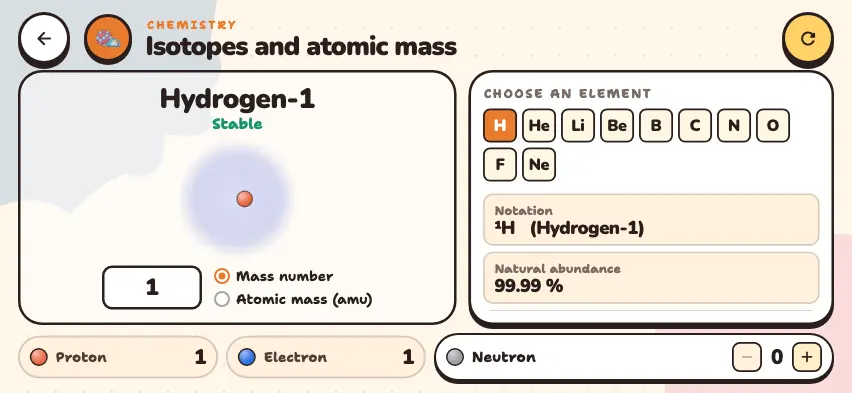
What is an atom made of?
The nucleus is at the center of the atom. It holds almost all of the atom's mass but is very small: the radius of the nucleus is more than 10,000 times smaller than the radius of the atom.
| Particle | Location | Charge | Mass |
|---|---|---|---|
| Proton | Nucleus | +1 | 1 |
| Neutron | Nucleus | 0 | 1 |
| Electron | Shells around the nucleus | −1 | Very small, not counted in the mass number |
Three numbers describe an atom:
- The number of protons is the element's atomic number. 1 proton means hydrogen, 6 protons means carbon, and 8 protons means oxygen.
- Mass number = protons + neutrons.
- Charge = protons − electrons.
An atom that loses an electron becomes a positive ion: Na+. An atom that gains an electron becomes a negative ion: Cl−. The number of protons does not change, so the element stays the same.
Electron shells and valence electrons
Electron shells fill from the inside out. For the first 20 elements, the shells fill in the order 2, 8, 8, 2. Electrons in the outermost shell are called valence electrons. These are the main electrons that take part in chemical bonds. The number of shells equals the period number.
| Element | Protons | Electrons per shell | Valence electrons | Period |
|---|---|---|---|---|
| Helium | 2 | 2 | 2 | 1 |
| Carbon | 6 | 2, 4 | 4 | 2 |
| Sodium | 11 | 2, 8, 1 | 1 | 3 |
| Chlorine | 17 | 2, 8, 7 | 7 | 3 |
| Calcium | 20 | 2, 8, 8, 2 | 2 | 4 |
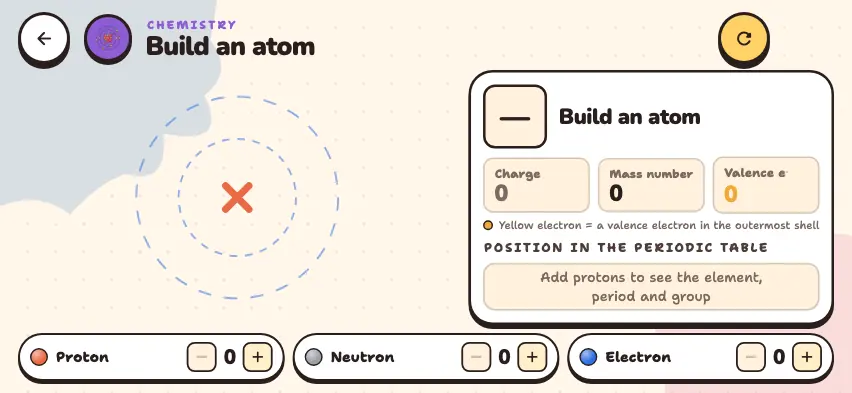
Build your atom in the Nalukh chem app
Add protons, neutrons, and electrons and see how the element, charge, and mass number change. The simulator is free and needs no sign-up.
How do you use the simulator?
- Use the + and − buttons on the Proton, Neutron, and Electron counters in the bottom row to add and remove particles. You can add up to 20 protons, 20 electrons, and 25 neutrons.
- Watch the picture on the left. Red protons and gray neutrons sit in the nucleus, and blue electrons move around the dashed circles. Electrons in the outermost shell are yellow.
- The panel on the right shows the element's symbol, name, and number. Below them, it says Neutral atom or Ion.
- Read the Charge, Mass number, and Valence e⁻ boxes.
- Find the period and group numbers in the POSITION IN THE PERIODIC TABLE section.
Tasks to try in the simulator
- Build a sodium atom: 11 protons, 12 neutrons, 11 electrons. The mass number is 23 and the charge is 0. Remove one electron. The charge becomes +1, and the panel shows Ion. The number of valence electrons changes from 1 to 8.
- Build a chloride ion: 17 protons, 18 neutrons, 18 electrons. The charge becomes −1, and the shells are 2, 8, 8, the same as in an argon atom.
- Build carbon: 6 protons, 6 neutrons, 6 electrons. If you add a neutron, the element does not change. Only the mass number increases. If you add a proton, the element becomes nitrogen.
Common mistakes
- Adding electrons to the mass number. The mass number counts only the particles in the nucleus.
- Thinking the number of protons changes when an ion forms. An ion forms when an atom loses or gains electrons. The nucleus does not change.
- Thinking a positive ion has gained electrons. A positive charge means electrons are missing.
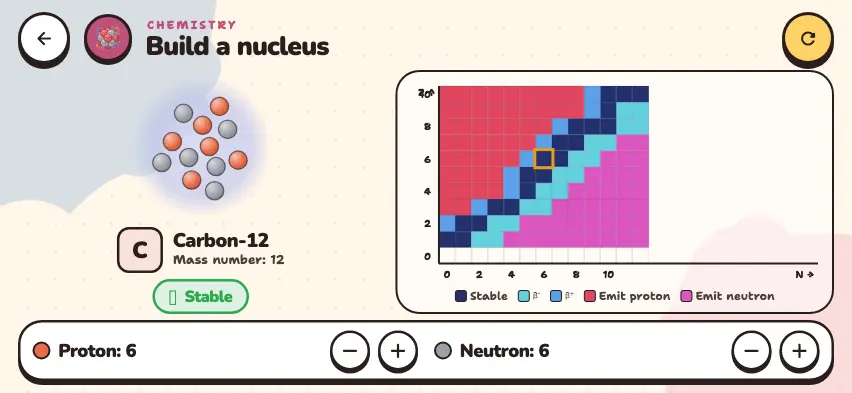
This simulator does not check whether a nucleus is stable, so you can set any number of neutrons. To learn about stability, read the atomic nucleus guide.