How do you name organic compounds?
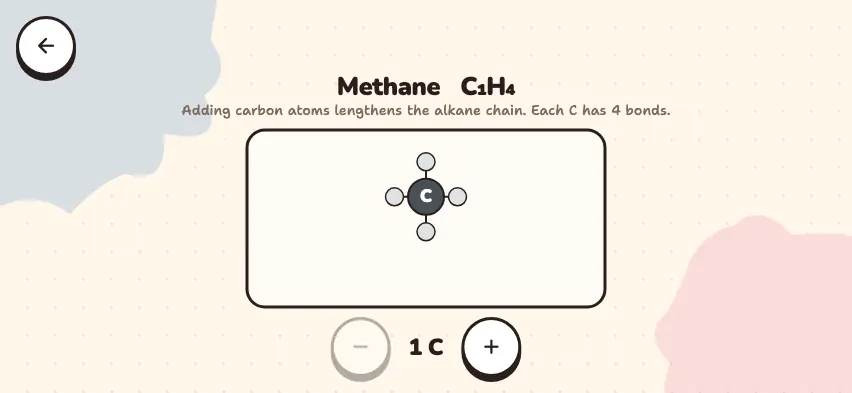
- Find the longest carbon chain. The number of carbon atoms gives the root of the name: methane, ethane, propane, butane, pentane, hexane, heptane, octane.
- Number the chain from one end. The functional group, multiple bonds, and then substituents must get the lowest numbers.
- Write the number and name of each substituent in front: 2-methylbutane. If the same substituent repeats, add the prefix di- or tri-: 2,2-dimethylpropane.
- Add the suffix of the class.
| Class | General formula | Example |
|---|---|---|
| Alkane | CₙH₂ₙ₊₂ | butane |
| Alkene | CₙH₂ₙ | but-1-ene |
| Alkyne | CₙH₂ₙ₋₂ | but-1-yne |
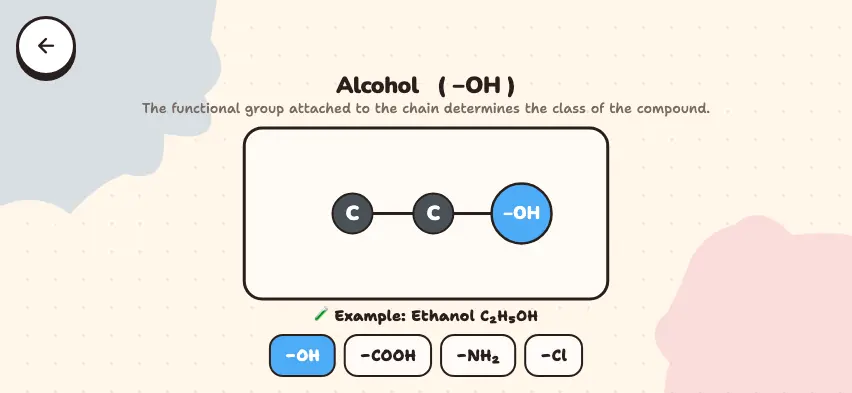
| Alcohol | R–OH | propan-2-ol |
| Aldehyde | R–CHO | ethanal |
| Ketone | R–CO–R′ | butan-2-one |
| Carboxylic acid | R–COOH | ethanoic acid |
| Ester | R–COO–R′ | ethyl ethanoate |
| Amine | R–NH₂ | methylamine |
This guide uses the same style as the simulator. So the alkene is written as but-1-ene and the alcohol as propan-2-ol.
What are isomers?
Compounds with the same molecular formula but different structures are called isomers. Because their structures are different, their properties are different too.
| Formula | Isomer | Boiling point |
|---|---|---|
| C4H10 | butane | −0.5 °C |
| C4H10 | 2-methylpropane | −12 °C |
| C2H6O | ethanol | 78 °C |
| C2H6O | methoxymethane | −24 °C |
Learn organic naming in the Nalukh chem app
Build a molecule yourself and see its name right away. This simulator is included with full access. The app is free to download, and 2 units and 5 simulators are open with no sign-up.
How do you use the simulator?
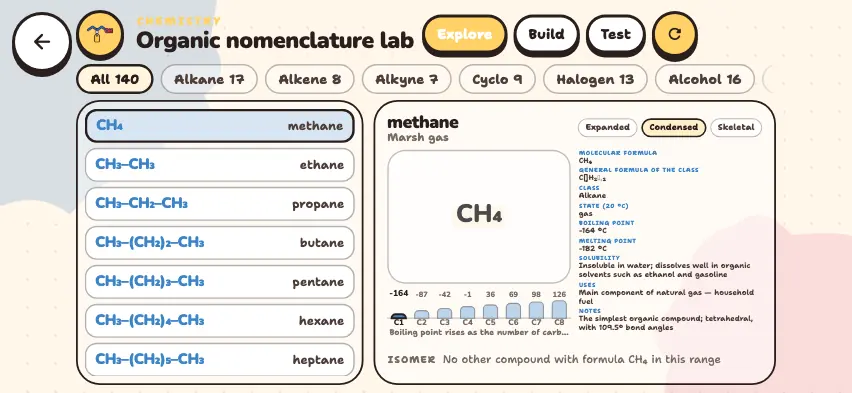
- In Explore mode, choose a class from the tabs in the top row and tap a compound in the list.
- Use the Expanded, Condensed, and Skeletal buttons to switch between the three ways of showing a structure.
- Read the name, general formula, boiling point, homologous series chart, and ISOMER list. Tap an isomer to go to that compound.
- In Build mode, choose Chain length, Skeleton, Principal group, and up to two substituents. The name, formula, and approximate boiling point appear right away. If a combination is not possible, a hint appears.
- Test mode has 10 questions: name from formula, formula from name, isomers, and general formulas.
- The circular arrow button in the top row restarts the current mode.
Tasks to try in the simulator
The first three are done in Build mode.
- Set the chain length to 4 and the skeleton to alkene, then set the position of the multiple bond to 1 and then to 3. In both cases the name stays but-1-ene. Why? Numbering starts from the end closer to the multiple bond.
- Set the chain length to 3 and put a methyl substituent at position 2: you get 2-methylpropane. Now put it at position 1: the name becomes butane, because the longest chain now has 4 carbons.
- Set the chain length to 3, set the principal group to –OH, and switch its position between 1 and 2. You get two alcohols with the same formula, which are isomers.
- In Explore mode, choose an alkane and see on the homologous series chart that the boiling point rises as the number of carbons increases.